iCreate 119 – GarageBand Ringtones & Logic Editing Tips

iCreate 119 – GarageBand Ringtones & Logic Editing Tips

iCreate 119 Cover 500The latest issue of iCreate can now be glimpsed on a newsstand near you, be it analogue or digital, and if you flick through it you’ll find a few contributions in there from me. I get a couple of half-page mini-tutorials in the ‘How to Record an Album in a Week’ feature that begins on page 30. Page 33 features an item on how to work with MIDI drums in Logic’s piano roll editor, while on page 37 you’ll find some advice on the tools that Logic provides to get better results when recording and editing vocals.

Meanwhile, in a separate double-page tutorial on page 58, I demonstrate how to use GarageBand to create a custom iPhone ringtone from practically any piece of audio.

Aside from the ‘Album in a Week’ feature which is chock full of great advice and tips, there’s also a huge guide to how to get the best from iCloud, which I know I found extremely useful, along with the usual awesome collection of hints, tips, features and reviews.
So if you haven’t already, add issue 119 to your collection forthwith!

Computer Music 190 – HorNet Fat-Fet & LinPlug CM-505

Computer Music 190 – HorNet Fat-Fet & LinPlug CM-505

CM190 Cover 500Computer Music magazine hits the shelves with a particularly high-viz cover this month, and all of my bits and pieces can be found near the front of the issue this time around. In the DVD Tutorial section, I get to introduce you to this month’s free plug-in, the excellent HorNet Fat-Fet. This virtual analogue compressor plug-in is modelled on the famous Universal Audio 1176LN Blue Stripe hardware compressor from 1967, and even though the front panel bears no resemblance to the original, it sounds pretty great. You’ll find a full description and in-depth 18-step guide to how to use it on pages 6-8, together with an accompanying video on the cover DVD.

Elsewhere, the CM Plugins Quick Guide feature delves into the innards of the LinPlug CM-505, an exclusive, custom-built analogue drum synth offered as part of the free suite of plugins that comes bundled with each issue of cm. A detailed four-page breakdown of what all the knobs and buttons do, this is the first time I’ve had a go at this kind of feature, and you can see how it turned out on pages 16-19.

So don your shades and get stuck into CM190, available from today in both print and download editions.

iCreate 118 – Slowdown FX in GarageBand, Combine PDF Files in Preview, Sony Sound Forge Pro Mac Review

iCreate 118 – Slowdown FX in GarageBand, Combine PDF Files in Preview, Sony Sound Forge Pro Mac Review

iCreate 118 Cover LargeSo as another month rolls around, two much-anticipated events occur: the arrival of Spring and another issue of iCreate. There are two tutorials and a software review from me this month: on page 56 you’ll find my step-by-step guide to creating the popular vocal slowdown effect in GarageBand using the AU Pitch plugin and the automation system. There’s barely a song on the radio at the moment that doesn’t feature this kind of effect somewhere, so if you’re a GB user, this is how you too can get in on the act.
Elsewhere, on page 78, you’ll find a tip for something you probably didn’t even know was possible – how to combine multiple PDF files into a single document using the Preview app that comes as standard as part of OS X. Once you’ve pulled off this trick once, you’ll wonder how you ever managed without it!
Meanwhile, Sony Creative Software have rewritten their popular Sound Forge Pro audio editing app for the Mac. Far from being merely a port of the software that PC users have had access to for years, this version 1.0 release looks set to surprise a lot of people, and probably not for the reasons you’d expect. To find out what I thought of it, turn to page 124.

So to check out these pieces and a host of other useful tips, tricks and how-to’s, get hold of a print or digital copy today!

Computer Music 188 – Cubase 7 New Features Tutorial (With Video)

Computer Music 188 – Cubase 7 New Features Tutorial (With Video)

CM188 Cover 500Issue 188 of Computer Music magazine includes, amongst much other music software-related goodness, my 5-page guide on how to work with the most prominent new features in Steinberg’s Cubase 7. Found on page 62 and covering the new MixConsole, Channel Strips, Channel Settings Window, Chord Assistant, Chord Track, VariAudio 2.0, MemZap and VST Connect SE, the guide is designed to get you up to speed with the new aspects of the software as quickly as possible, whether you’re a Cubase newbie (a Cubie?) or a seasoned veteran. Together with the accompanying video walkthroughs I produced for the cover DVD (which can be downloaded from http://vault.computermusic.co.uk for those who subscribe to digital versions of the mag) it makes for a detailed introduction to all the great new stuff that Steinberg have packed into this release.

So to find out more, nip to Smiths, Tesco or any other favoured news boutique for a print issue or download a digital copy from Newsstand or Zinio today!

MacUser Vol.29 No.2 – How to Sidechain in GarageBand

MacUser Vol.29 No.2 – How to Sidechain in GarageBand

MacUser2902 Cover 500Sophisticated though it may be for an entry level DAW, GarageBand does have some limitations, one of them being a lack of any kind of provision for side-chaining effects – you know, like the bit in Titanium where the track pulses up and down in volume in time with the beat. So in this latest issue of MacUser magazine, you’ll find my six-page, step-by-step guide outlining three different techniques to work around this limitation and get this popular pumping effect in your own GarageBand projects. Accompanied by a neat little mention on the front cover, the piece starts on page 78, so if you want to ‘Guetta’ similar effect, you know what to do!

This is also the final bi-weekly issue of MacUser, because from February 14th 2013 this prestigious publication will be shifting to a monthly format, so I guess this means that there’ll be an extra week to get hold of this issue!

iCreate 116 – FX Automation & Numbers Fitness Tracker

iCreate 116 – FX Automation & Numbers Fitness Tracker

iCreate 116 Cover 500With Christmas and New Year’s Eve firmly behind us, I hit the ground running in 2013 with two pieces in the latest issue of iCreate. If you hit the mince pies slightly too hard over the festive period, you might find my double-page Numbers tutorial handy this month. Found on page 58, it shows in detail how to create a basic fitness, weight loss and BMI tracker, complete with progress graphs and automatic calculations, in Apple’s stylish spreadsheet app.

Elsewhere, on page 48, my GarageBand tutorial this month is all about effect automation – what it is, what it does and how to use it to increase excitement and dynamic movement within your mixes. For an app that comes free on every Mac, I’ve always championed the remarkable latent power of GarageBand’s automation system, and with this easy-to-follow guide to how it works, there’s really no excuse not to roll up your sleeves and get stuck in – so grab yourself a copy today!

Computer Music Issue 187 – Creative Gating (With Video)

Computer Music Issue 187 – Creative Gating (With Video)

CM187 Cover 500As another year rolls around, so another feature-packed edition of Computer Music magazine rolls off the presses and slithers unobtrusively onto the shelves of your local newsagent and the screen of your nearest iPad. My contribution to issue 187 is a five-page tutorial on how to use software noise gates in a more creative manner than simply removing unwanted noise.

The noise gate is often overlooked as a utilitarian remnant of the analogue age, but the software versions available today have many more uses as creative tools in their own right. Here you’ll find detailed walkthroughs that demonstrate how to gate off guitar amp noise, recreate the classic 80’s gated drum sound, use sidechain inputs and free third-party plug-ins to produce rhythmic gating effects and set up your own custom multiband rhythmic gating system. You can find the piece on page 63, and the accompanying video walkthroughs can be found on the cover-mounted DVD, along with a host of other cool stuff.

So, if you want to explore new ways to ‘gate creative’, pick up a copy today – your tracks will love you for it!

iCreate 115 – GarageBand Notepad & Logic Editing

iCreate 115 – GarageBand Notepad & Logic Editing

iCreate 115 506I’ve been so busy over the past couple of weeks trying to get all my commissioned work finished in time for Christmas that I’ve got a bit behind on my posting of announcements of published work. One of the issues that snuck out onto the shelves in the meantime was issue 115 of iCreate, which is still available from all the usual outlets, both physical and digital.

In this latest info-packed edition, which focusses on using your Mac for a wide variety of creative projects, you’ll find two tutorials from me. Firstly, as part of a huge music-making feature entitled “Form Your Own Band”, my step-by-step guide to basic editing in Logic Pro can be found on page 18, designed to help get you up and running if you’re exploring beyond the boundaries of GarageBand. Meanwhile, my GarageBand tutorial on page 38 demonstrates one of the application’s lesser-known features, the Notepad, which allows you to save notes about song lyrics, chord ideas and any other notes concerning your session along with your project.

So if you don’t already have a copy, now’s your chance to grab one while it’s still around!

iCreate 114 – Set Up Guitar Sessions & Change Master FX

iCreate 114 – Set Up Guitar Sessions & Change Master FX

Although the digital version of this issue has been available on the iPad for almost a fortnight now, the print edition of iCreate 114 has at last hit the racks in your local newsagent.

As well as the usual collection of informed features that this month cast an approving eye over the iPad Mini, the iPad 4, the latest iMacs and iOS 6, you’ll find two of my GarageBand tutorials in this month’s mag.

The first deals with setting up GarageBand to record an electric guitar part, while the second focusses on how to adjust the effects on the master track to make it sound like your track was recorded in a different location, such as a concert hall, church, or stadium. All in all, an info-packed issue that’s well worth checking out!

iCreate 113 – GarageBand Notation View & Flex Editing

iCreate 113 – GarageBand Notation View & Flex Editing

Creative Mac types will be pleased to note that Issue 113 of iCreate has now broken cover, and this latest issue features two double-page GarageBand tutorials from me. First up, on page 72, you’ll find my guide to score editing using the app’s notation view feature. Focussing on editing notes, correctly displaying time and key signatures, homing in on problem areas such as triplets and accidentals, how to insert rests and pedal symbols, and finally how to print your MIDI parts as a musical score, this two-pager turns the spotlight on an area of GarageBand that’s often overlooked by the majority of users.

Flick over onto page 74 and you’ll find my guide to using flex editing techniques to address wayward timing issues in your projects. I’m always amazed at how Apple have managed to shoehorn so many pro-level features into an entry level DAW that comes free on every Mac, and flex editing, which allows you to freely adjust the timing of audio regions without affecting their pitch, is a great example of this. In this piece, I demonstrate how you can shift individual words and syllables within a vocal region to alter the phrasing.

So, why not take advantage of these and numerous other great tutorials, reviews and features, along with all the latest Apple news, by grabbing yourself a copy of iCreate 113? Like the US Mint – you know it makes cents!

Computer Music 184 – Expressive Synth Lines (with Video) and 2CAudio B2 Review

Computer Music 184 – Expressive Synth Lines (with Video) and 2CAudio B2 Review

Two contributions from the daveclews.com writing desk feature in the November 2012 issue of Computer Music magazine, now appearing front-and-centre on the shelves in all good newsagents, not to mention available to download digitally. Firstly, on page 60 you’ll find my four-page guide to adding expression to programmed synth lines – we’re talking how to add pitch bend and mod-wheel vibrato after the event to make it sound as if your lead parts were recorded by a seasoned keyboard pro. There’s even a section dedicated to getting the most out of your synth’s portamento control, and the whole thing is backed up with audio examples and video walkthroughs to be found on the cover-mounted DVD.

Also in this issue is my review of 2CAudio‘s new B2 spatial processor plug-in, which is to all intents and purposes a very high-quality algorithmic reverb unit. If you thought early reflections were what greet you in the bathroom mirror first thing in the morning, this thing will change that perception forever. Find out exactly what I thought of it on page 96. (Hint: I kinda liked it!)

MacUser Vol.28 No.22 – Fission 2.0 Review

MacUser Vol.28 No.22 – Fission 2.0 Review

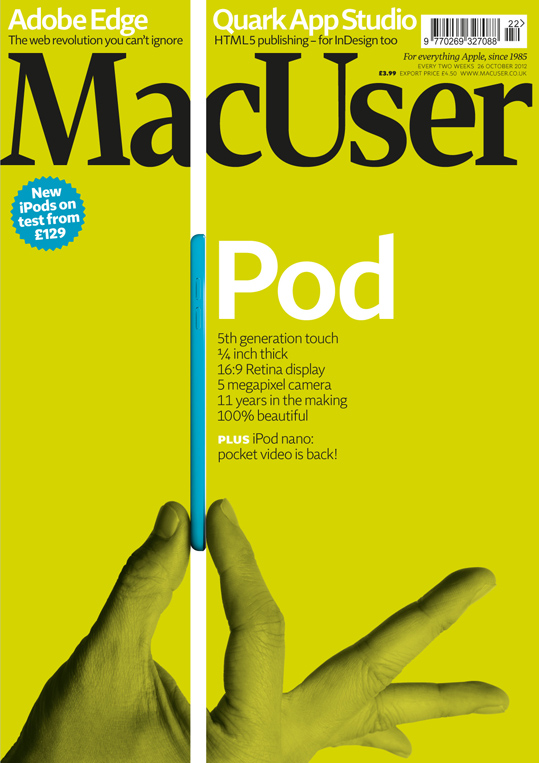
OFC_MU2822_Cover.inddOut this week, the new issue of MacUser contains my review of Rogue Amoeba’s Fission 2.0 audio editing app, found on page 28. Nip down to the shops and pick up a copy to find out what I thought of the newly-updated version of this well-regarded, pared-down software solution that allows you to pull off lossless edits quickly and easily and convert and save them between multiple formats.

iCreate 112 Is Out!

iCreate 112 Is Out!

Issue 112 of iCreate hit the shelves at your local magazine boutique this week, and contained within its info-packed pages is a two-page tutorial from me on the basics of recording live instruments in GarageBand. Focussing on how to connect and configure external interfaces and microphones, setting levels, choosing monitor effects and finally recording takes, this guide should provide all the information you need to get a basic session off the ground when recording acoustic instruments with a microphone. The tutorial starts on page 48, and keep your eyes peeled for more from me in next month’s issue!

Computer Music 183 Out Now – Sample Your Surroundings, Write Memorable Melodies (With Video)

Computer Music 183 Out Now – Sample Your Surroundings, Write Memorable Melodies (With Video)

Issue 183 of Computer Music magazine hit the shelves this week, and nestling between its covers you’ll find not one, but two features from me this month.
On page 55 you’ll find a five-page guide to sampling the sort of everyday objects that you find lying around the house, to convert into unconventional musical instruments. With affordable, powerful audio workstations available to everyone these days, it’s never been easier to create your own sounds from scratch, and this guide shows you some easy ways to do it using a microphone, Logic and some of the amazing free plug-ins that are out there. So, if you want to record some coffee-tin percussion, make a one-octave wineglassophone or transform a grill-pan rack into a playable synth patch, it’s well worth a look. There’s also a page of tips to inspire you to create your own sounds from whatever else you can find to hand, from matchbox shakers to laundry-tub kick drums and more.
Following straight on from this, on page 60 you’ll find my feature on how to get things moving if you get stuck writing a melody. Kind of a sequel to the chord progression feature in last month’s issue, this tutorial illustrates a few reliable, theory-based techniques for taking melody lines in a new direction should you find yourself not knowing where to go next. Backed up with audio examples and another set of video tutorials produced and narrated by me, all of which can be found on the cover-mounted DVD, this four-page guide should hopefully supply you with some inspiring tricks that you can rely on time and time again.
Elsewhere in the issue, there’s the usual excellent mix of news, reviews and interviews, along with a big feature on unmixing and another massive batch of free samples and a free mix bus plug-in (Satson CM) on the DVD. Congratulations to the CM team on another great issue, which can be picked up from all good newsagents or downloaded as a digital version via Newsstand for iOS or Zinio for Mac and PC.

MacUser Vol. 28 No. 18 – OS X’s Hidden Helpers.  I made the front cover!!

MacUser Vol. 28 No. 18 – OS X’s Hidden Helpers. I made the front cover!!

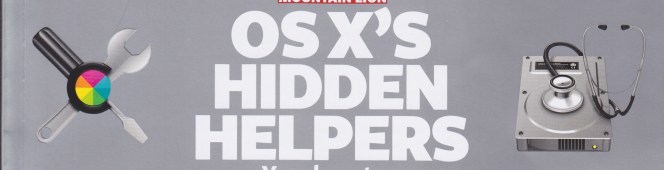
Excuse my excitement (and the accompanying double exclamation marks), but it’s not every day that a feature you’ve conceived, written and illustrated becomes the main cover feature of one of the UK’s most eminent computer magazines.

Shining the spotlight on the hidden apps lurking in your Mac’s Utilities folder, this eight-page feature is the latest, and hopefully not the last, in a slow-yet-steady stream of pieces I’ve had published in MacUser over the last year or so, but this is the first time one of my articles has been featured so prominently. Hopefully people will find it useful, as I know that I for one, prior to researching the piece, had no clue what the majority of the apps in this folder were for, and there is some really quite useful stuff in there. It goes without saying that all the information in the piece is bang up to date and Mountain-Lion savvy, outlining any major changes implemented with the new operating system in any of the applications covered.

To discover the secrets that lie within, pick up a copy from Smiths or download it to your iDevice, Mac or PC via Zinio. Be quick though – MacUser is published every two weeks, so this issue will only be around for another few days! The article begins on p.56, and I have to take this opportunity to say a huge thanks to Adam and the MacUser team for making it look so good.

Strike a Chord with Computer Music 182 – Video Now Included!

Strike a Chord with Computer Music 182 – Video Now Included!

Hitting the ground running today after a few days break from all things digital, what’s been going on in my absence? Well, first issue of note – literally – is number 182 of Computer Music magazine, which hit the shelves on the 14th August.

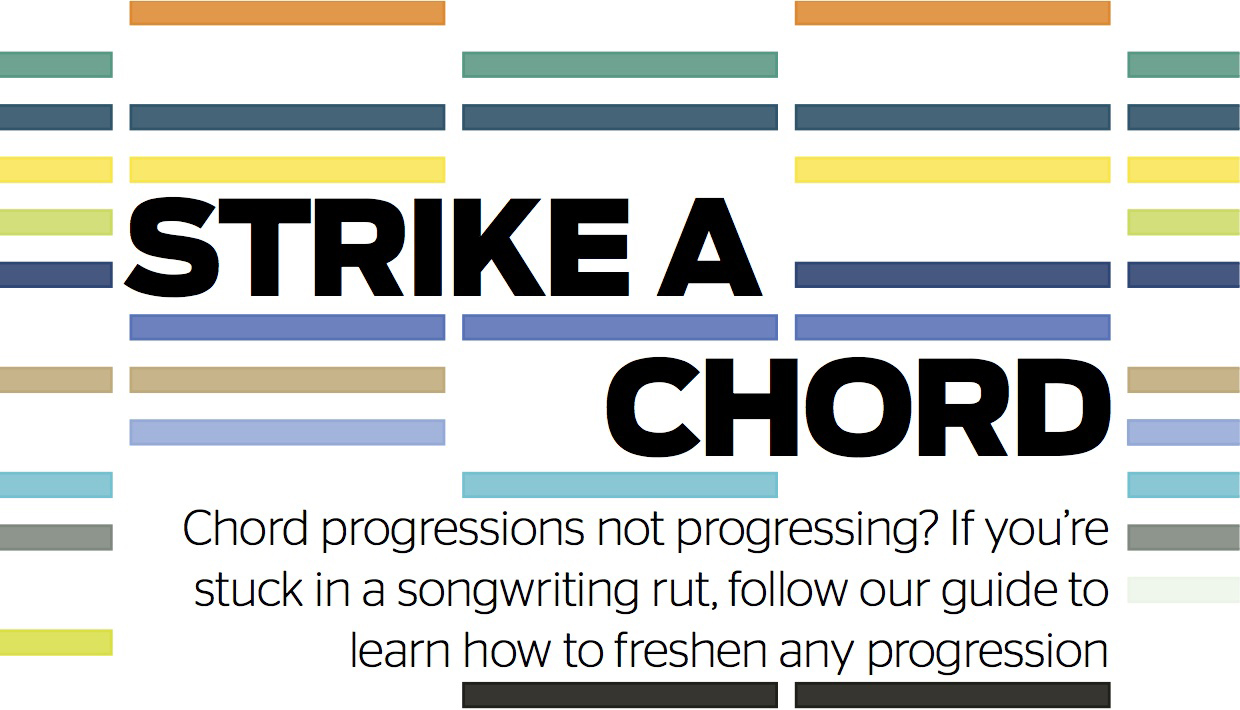
Nestling within its feature-packed pages is a four-page guide from me about how to get things moving again if you get stuck in the middle of writing a chord progression. Highlighting some simple, yet tried-and-tested manoeuvres for moving your sequences forward, this issue also marks a personal milestone for me, in that it contains not just the printed walkthrough steps, but also video versions of each tutorial included on the cover-mounted DVD.

Produced and narrated by yours truly, this is my first foray into video tutorials, so if you want to check them out, nip down to Smiths today and pick up a copy of the print edition, or you can download the digital Zinio or Newsstand versions for the Mac and iPad, as the DVD content is now included with the digital versions too!

Computer Music 181 Out Now!

Computer Music 181 Out Now!

The new issue of Computer Music magazine hits the shelves this week, and inside you’ll find my four-page guide to MIDI editing by numbers. This is an in-depth illustration of how, using Cubase’s Logical Edit function and Logic’s Transform window, you can leverage the power of simple maths to perform instant, wide-ranging edits on multiple events in your MIDI sequences with just a couple of clicks. Want to fix all your note velocities to a value of 100, or all note lengths to 16th-notes? Randomise velocity within a certain pitch range? Rearrange and randomise drum loops? Add a bit of human randomness to a sequence? Use custom keyboard commands to adjust velocity? It’s all laid out here, and the article starts on page 50.

Elsewhere in the issue, I also have a review of Zynaptiq’s remarkable Unveil plug-in. The audio equivalent of a sheet of kitchen roll, this signal focussing plug-in removes excessive reverb from an audio file, allowing you to re-process it with a more suitable effect. Find out exactly what I thought of it on page 84.

The CM team have done their usual excellent job with this issue, with a detailed look at how to use the amazing Sylenth1 soft synth, a feature on how to maximise the stereo width of your mixes, and loads of other tutorials, interviews and reviews – not to mention the usual ton of free stuff on the cover disc.

iCreate 109 On Sale Now – Get Mountain Lion Today

iCreate 109 On Sale Now – Get Mountain Lion Today

Issue 109 of iCreate is now available at all decent outlets, and this month I’ve contributed the cover feature! Eight info-packed pages all about how you can get your hands on equivalent functionality to eight of Mountain Lion’s best features right now, without having to wait until the official launch scheduled for later his month.

Besides which, if, like me, you find yourself in the position of having hardware that falls just outside the minimum specs for Apple’s latest version of OS X, you’ll be pleased to note that most of these substitute features are available to users of older machines. And if you’re unsure whether or not your Mac cuts Mountain Lion’s mustard, there’s a handy compatibility table in the article to let you know whether or not you’re able to upgrade when the time comes.

So pick up a copy and get the lowdown on how to replicate Sharing Sheets, Notification Center, Documents in the Cloud, GateKeeper, AirPlay Mirroring, Messages, Notes and Reminders, and get them on your Mac today!

Computer Music 180 Out Today

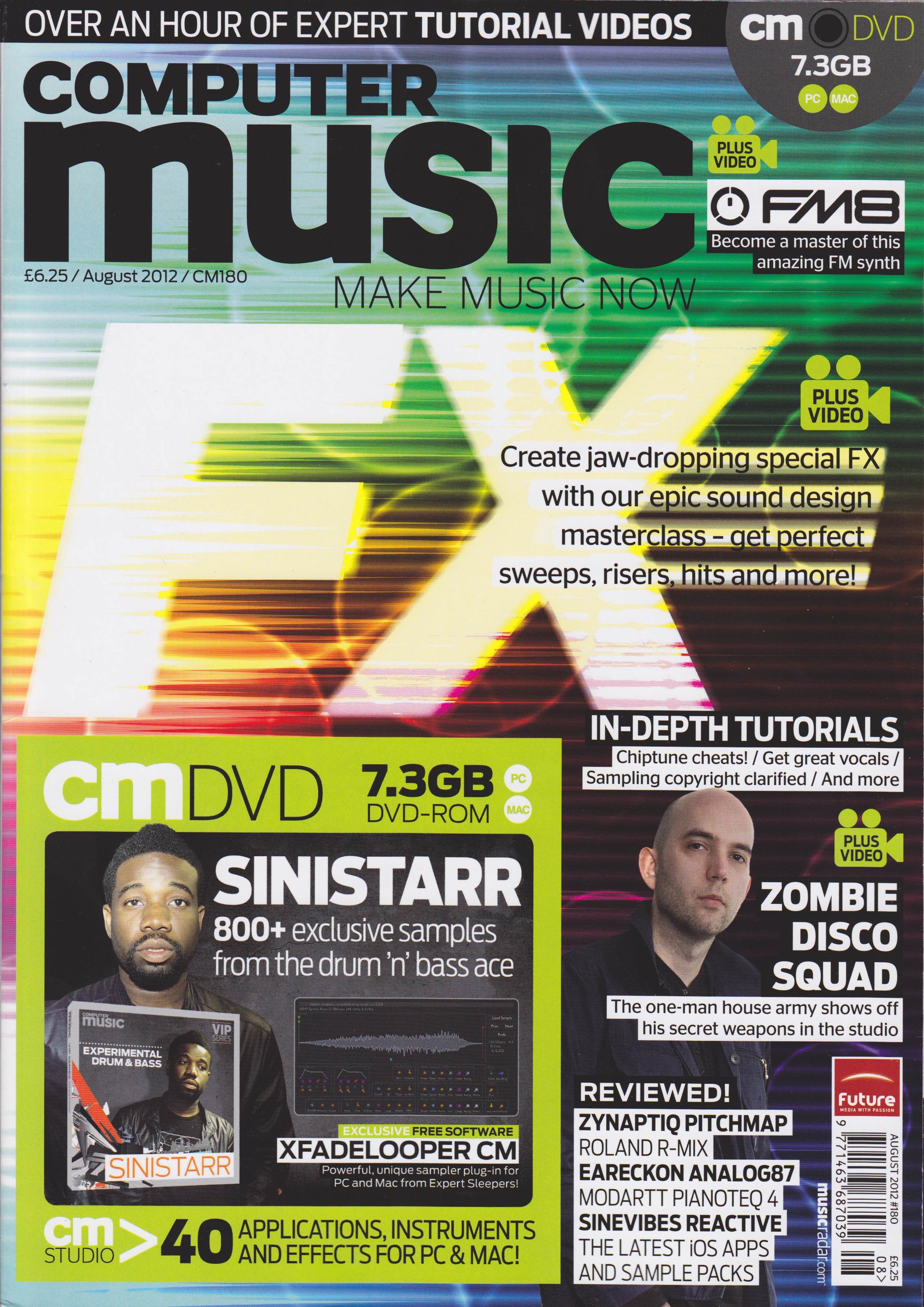
Record Great Vocals is the title of my 5-page contribution to the August 2012 issue of Computer Music magazine that hits the shelves today. A guide to getting a terrific-sounding vocal, from choosing and setting up the mic through to editing the final result, this feature is packed with handy tips and step-by-step guides to getting a great, professional-sounding vocal. Not only that, but the pictures all look very nice too!
Lots of other good stuff from the team this month, including a special FX masterclass, a focus on how to use Native Instruments’ FM8 soft synth, and loads of reviews. Check it out at all good newsagents today!

iCreate 108 Is Out!

iCreate issue 108 lands with a satisfying thump on the shelves of your local magazinical emporium today, and within its pages you’ll find a solid contribution from this writer – 10 pages, in fact. Page 44 kicks things off with my tutorial showing how to use the Vignette and Edge Blur tools in iPhoto, while over on page 56 you’ll find my 9-step guide to MIDI note editing in GarageBand.
Page 82
has a double-page spread revealing 10 iTunes secrets, and page 86 features another two pages exploring the features of CleanMyMac, an app that can help keep your hard drive free of space-hogging junk.
Finally, on page 106 is another two-pager detailing the iDesk diagram-creation app for the iPad. Quite a variety this month!