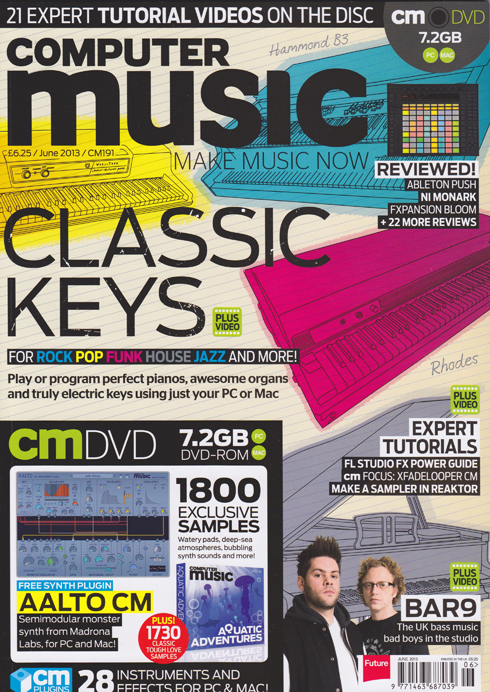
Computer Music 191 – Classic Keys Cover Feature (with Video) plus KR-Delay CM & VPS Philta CM

Computer Music 191 – Classic Keys Cover Feature (with Video) plus KR-Delay CM & VPS Philta CM

CM191 Cover 500

Huge excitement today as my massive, 13-page ‘Classic Keys’ cover feature hits the shelves at last on the front of Computer Music’s June 2013 issue. Beginning on page 32, it’s all about how to get the best from today’s finest virtual keyboard instruments and create convincing piano, electric piano and organ parts using your computer.

Covering:
• How real pianos, electric pianos and tonewheel organs work.
• How to recreate certain playing styles in a MIDI sequencer
• Programming dance piano chords
• Programming convincing sustain pedal performance data
• Using drawbars on a virtual Hammond B3
• How to choose the best virtual piano, Rhodes & organ plug-ins
And much more besides.

Every walkthrough guide also has an accompanying video on the cover DVD (or downloadable from the website via the digital editions). I’ve been dying to see this in print since I wrote it back in January, so if you want to get sounds like the likes of Stevie Wonder, Jimmy Smith, Billy Joel, Supertramp and other classic keyboard wizards into your tunes, grab a copy and check it out!

As a bonus, elsewhere in the issue, starting on page 16 I also take the helm of the regular ‘cm plug-ins Quick Guide‘ slot. Two pages each cover how to navigate your way around the front panels of KResearch’s KR-Delay CM stereo delay unit and Vengeance-Sound’s Philta CM superb dual filter plug-in. Both these special edition plug-ins are only available with the magazine, along with an ever-growing stable of other high-quality virtual instruments and effects.

17 pages in one issue – I think that might be a new personal best…… at least until next month’s issue!
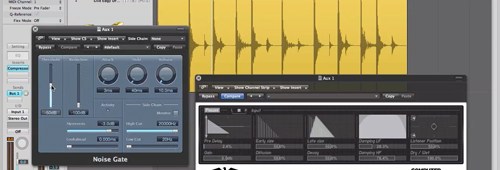
Video Tutorial – Classic 80’s Gated Reverb Drum Sound – Computer Music 187

Video Tutorial – Classic 80’s Gated Reverb Drum Sound – Computer Music 187

Gated Drum Reverb w Plug-ins 640Check out this link to one of my ‘creative noise gating’ tutorial videos, as featured on the cover DVD of issue 187 of Computer Music magazine.

http://www.musicradar.com/tuition/tech/how-to-replicate-classic-gated-drum-reverb-with-plugins-569525

During the late 1980’s, the drum sound of the moment was the massive, beefy gated reverb sound favoured by Phil Collins, Power Station’s Tony Thompson and the like. Originally the product of SSL desks, several mics, hardware gates & compressors and numerous patch leads, you can now get this effect easily within your DAW using just a couple of plug-ins. Let the 80’s revival continue!

This video is just one of a collection of seven creative gating techniques featured on the DVD this issue. If you want to get your hands on the others, plus a whole bunch of other useful stuff, pick up a copy of Computer Music 187!

Computer Music Issue 187 – Creative Gating (With Video)

Computer Music Issue 187 – Creative Gating (With Video)

CM187 Cover 500As another year rolls around, so another feature-packed edition of Computer Music magazine rolls off the presses and slithers unobtrusively onto the shelves of your local newsagent and the screen of your nearest iPad. My contribution to issue 187 is a five-page tutorial on how to use software noise gates in a more creative manner than simply removing unwanted noise.

The noise gate is often overlooked as a utilitarian remnant of the analogue age, but the software versions available today have many more uses as creative tools in their own right. Here you’ll find detailed walkthroughs that demonstrate how to gate off guitar amp noise, recreate the classic 80’s gated drum sound, use sidechain inputs and free third-party plug-ins to produce rhythmic gating effects and set up your own custom multiband rhythmic gating system. You can find the piece on page 63, and the accompanying video walkthroughs can be found on the cover-mounted DVD, along with a host of other cool stuff.

So, if you want to explore new ways to ‘gate creative’, pick up a copy today – your tracks will love you for it!

Computer Music 186 – Shortcuts to Success

Computer Music 186 – Shortcuts to Success

CM186 Cover 500The latest issue of Computer Music magazine features my four-page tutorial on the effective use of keyboard shortcuts and how they can radically speed up your music production workflow. Entitled Shortcuts to Success and found on page 60 it focusses on some of the features offered by Logic, Cubase and Ableton Live that enable you to customise your keyboard layout in a way that puts your most-used tools and commands directly beneath your fingertips. So if you’re looking for some cool ways to increase your productivity when producing your productions, check it out!

Computer Music 184 – Expressive Synth Lines (with Video) and 2CAudio B2 Review

Computer Music 184 – Expressive Synth Lines (with Video) and 2CAudio B2 Review

Two contributions from the daveclews.com writing desk feature in the November 2012 issue of Computer Music magazine, now appearing front-and-centre on the shelves in all good newsagents, not to mention available to download digitally. Firstly, on page 60 you’ll find my four-page guide to adding expression to programmed synth lines – we’re talking how to add pitch bend and mod-wheel vibrato after the event to make it sound as if your lead parts were recorded by a seasoned keyboard pro. There’s even a section dedicated to getting the most out of your synth’s portamento control, and the whole thing is backed up with audio examples and video walkthroughs to be found on the cover-mounted DVD.

Also in this issue is my review of 2CAudio‘s new B2 spatial processor plug-in, which is to all intents and purposes a very high-quality algorithmic reverb unit. If you thought early reflections were what greet you in the bathroom mirror first thing in the morning, this thing will change that perception forever. Find out exactly what I thought of it on page 96. (Hint: I kinda liked it!)

Computer Music Special Issue – Drums

Computer Music Special Issue – Drums

Super-excited to announce that the Drums special issue of Computer Music, to which I contributed 15 pages of technique tutorials and reviews, is now available in the shops. This comprehensive guide to everything you need to know about programming, recording, processing and mixing drum tracks contains two big features from me.

The first is a 10-page guide to programming MIDI drum tracks in different genres, and features detailed walkthroughs and audio examples covering everything from Rock and Dubstep to House and Moombahton, via Electro, Hip Hop & RnB. Whatever your preferred style, you’ll find the basics to programming a solid groove covered here, and the item begins on page 78.

Later in the book, on page 94, you’ll find my 5-page roundup of MIDI drum pad controllers. Here you can get the lowdown on machines such as Arturia’s Spark, Native Instruments’ Maschine Mikro, the Roland SPD50 Octapad and the Akai MPD26, among others, and find out which is the best pad-based controller for your needs, whether you’re a live performer or a project studio-based programmer.

At just £6.50, and packed with loads more informative features and more drum samples on the included DVD than you can shake a stick at, you’d be mad not to beat it down to the shops to pick up a copy!


Computer Music 183 Out Now – Sample Your Surroundings, Write Memorable Melodies (With Video)

Computer Music 183 Out Now – Sample Your Surroundings, Write Memorable Melodies (With Video)

Issue 183 of Computer Music magazine hit the shelves this week, and nestling between its covers you’ll find not one, but two features from me this month.
On page 55 you’ll find a five-page guide to sampling the sort of everyday objects that you find lying around the house, to convert into unconventional musical instruments. With affordable, powerful audio workstations available to everyone these days, it’s never been easier to create your own sounds from scratch, and this guide shows you some easy ways to do it using a microphone, Logic and some of the amazing free plug-ins that are out there. So, if you want to record some coffee-tin percussion, make a one-octave wineglassophone or transform a grill-pan rack into a playable synth patch, it’s well worth a look. There’s also a page of tips to inspire you to create your own sounds from whatever else you can find to hand, from matchbox shakers to laundry-tub kick drums and more.
Following straight on from this, on page 60 you’ll find my feature on how to get things moving if you get stuck writing a melody. Kind of a sequel to the chord progression feature in last month’s issue, this tutorial illustrates a few reliable, theory-based techniques for taking melody lines in a new direction should you find yourself not knowing where to go next. Backed up with audio examples and another set of video tutorials produced and narrated by me, all of which can be found on the cover-mounted DVD, this four-page guide should hopefully supply you with some inspiring tricks that you can rely on time and time again.
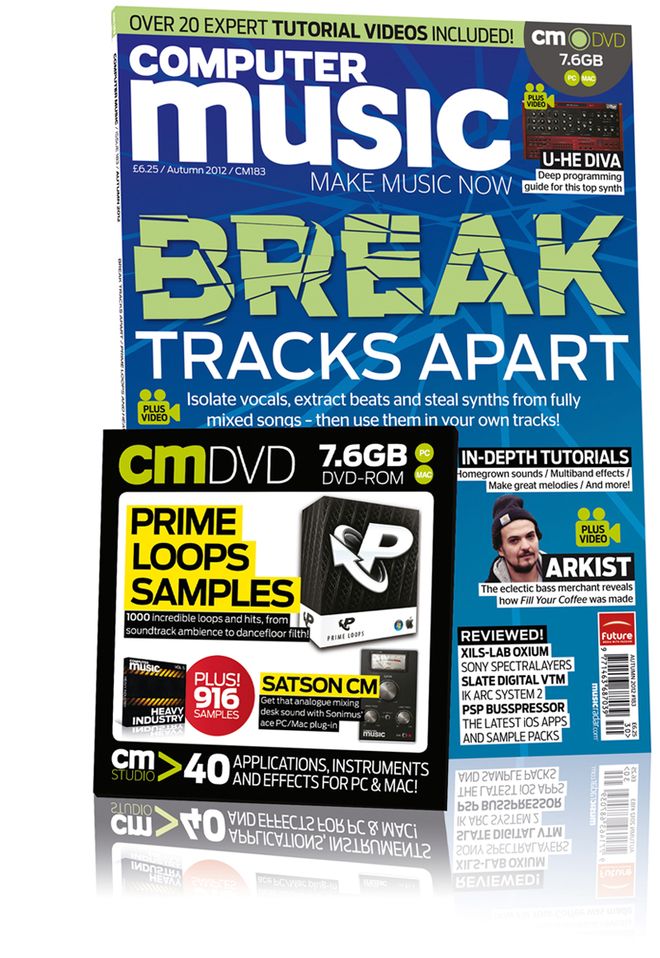
Elsewhere in the issue, there’s the usual excellent mix of news, reviews and interviews, along with a big feature on unmixing and another massive batch of free samples and a free mix bus plug-in (Satson CM) on the DVD. Congratulations to the CM team on another great issue, which can be picked up from all good newsagents or downloaded as a digital version via Newsstand for iOS or Zinio for Mac and PC.

Strike a Chord with Computer Music 182 – Video Now Included!

Strike a Chord with Computer Music 182 – Video Now Included!

Hitting the ground running today after a few days break from all things digital, what’s been going on in my absence? Well, first issue of note – literally – is number 182 of Computer Music magazine, which hit the shelves on the 14th August.

Nestling within its feature-packed pages is a four-page guide from me about how to get things moving again if you get stuck in the middle of writing a chord progression. Highlighting some simple, yet tried-and-tested manoeuvres for moving your sequences forward, this issue also marks a personal milestone for me, in that it contains not just the printed walkthrough steps, but also video versions of each tutorial included on the cover-mounted DVD.

Produced and narrated by yours truly, this is my first foray into video tutorials, so if you want to check them out, nip down to Smiths today and pick up a copy of the print edition, or you can download the digital Zinio or Newsstand versions for the Mac and iPad, as the DVD content is now included with the digital versions too!

Computer Music 181 Out Now!

Computer Music 181 Out Now!

The new issue of Computer Music magazine hits the shelves this week, and inside you’ll find my four-page guide to MIDI editing by numbers. This is an in-depth illustration of how, using Cubase’s Logical Edit function and Logic’s Transform window, you can leverage the power of simple maths to perform instant, wide-ranging edits on multiple events in your MIDI sequences with just a couple of clicks. Want to fix all your note velocities to a value of 100, or all note lengths to 16th-notes? Randomise velocity within a certain pitch range? Rearrange and randomise drum loops? Add a bit of human randomness to a sequence? Use custom keyboard commands to adjust velocity? It’s all laid out here, and the article starts on page 50.

Elsewhere in the issue, I also have a review of Zynaptiq’s remarkable Unveil plug-in. The audio equivalent of a sheet of kitchen roll, this signal focussing plug-in removes excessive reverb from an audio file, allowing you to re-process it with a more suitable effect. Find out exactly what I thought of it on page 84.

The CM team have done their usual excellent job with this issue, with a detailed look at how to use the amazing Sylenth1 soft synth, a feature on how to maximise the stereo width of your mixes, and loads of other tutorials, interviews and reviews – not to mention the usual ton of free stuff on the cover disc.

Computer Music 180 Out Today

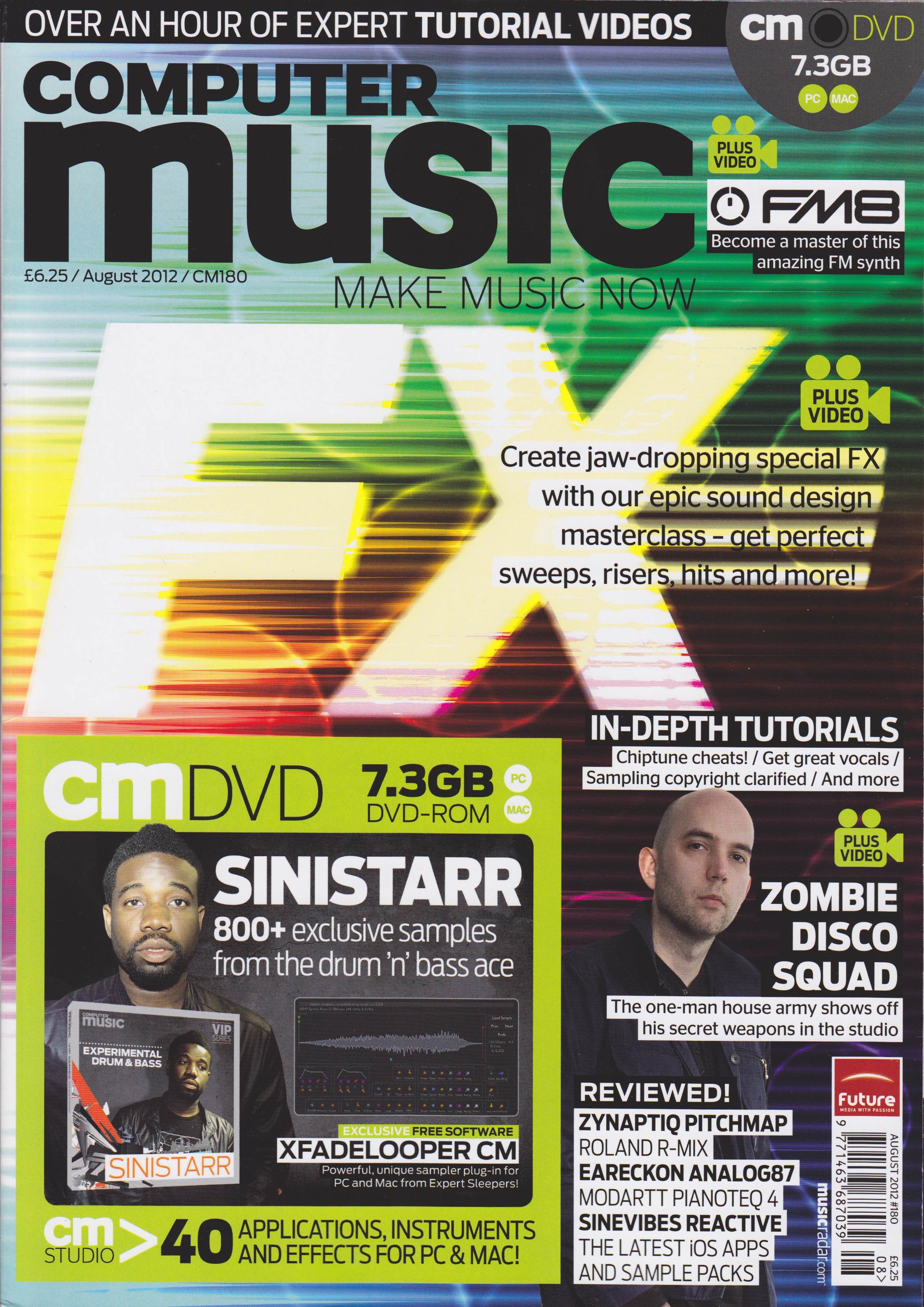
Record Great Vocals is the title of my 5-page contribution to the August 2012 issue of Computer Music magazine that hits the shelves today. A guide to getting a terrific-sounding vocal, from choosing and setting up the mic through to editing the final result, this feature is packed with handy tips and step-by-step guides to getting a great, professional-sounding vocal. Not only that, but the pictures all look very nice too!
Lots of other good stuff from the team this month, including a special FX masterclass, a focus on how to use Native Instruments’ FM8 soft synth, and loads of reviews. Check it out at all good newsagents today!

Massive Delay Feature Makes the Cover of Computer Music 179

They say that as you get older, your features get bigger. Well, that definitely seems to be true in my case at the moment, as hitting the shelves today is issue 179 of Computer Music, which contains my truly enormous, 12-page guide to using delay effects. Bristling with techniques and walkthroughs, many of which are backed up by video tutorial files on the cover disc, this comprehensive guide to one of the most useful effects in music follows hot on the heels of my recent 11-page GarageBand feature for iCreate, setting a new personal best for me in terms of page quantity. I’m really excited to see this in print, as it took almost two weeks to produce and is my biggest commission yet. So don’t delay – get down to the newsagents and pick up a copy, or order the digital edition online today!

Computer Music 178 – full of Clews Reviews

A bit slow on the uptake with this one as well, as it actually hit the shelves a few days ago. I’ve had such a full-on few days recently that I’d actually forgotten that I’d submitted two reviews for this issue! My attention turned to software this time around, notably Audioease’s remarkable Altiverb 7 Convolution Reverb, with the power to place you sonically in a wide range of desirable acoustic spaces from around the world, and Sonokinetic’s Vivace Rompler, a giant 20GB repository of cinematic orchestral ambiences and textures. To see what I thought of them both, nip down to Smith’s, Tesco’s or any half-decent newsagent and pick up a copy. Then pay for it. Take it home. You know how it works.

Computer Music Issue 177 – 7 pages this month!

The latest issue of Computer Music magazine, issue 177, hit the shelves earlier this week, and in this one I’ve managed a personal best total of 7 pages. Two of them are the aforementioned review of Steinberg’s awesome Cubase 6.5 DAW package. As a Cubase user from the old school, I had a great time getting re-acquainted with this latest version. It was a bit like catching up with an old friend after 10 years’ not speaking to find that they’d taken up bodybuilding, had three facelifts and a hair transplant. To find out how we got on, check out the review on page 84.

See ya later, arpeggiator
My main contribution to this issue is the Arp Attack! feature starting on page 42. Five pages of step-by-step tutorials on how to construct and use arpeggios, from creating them from scratch by hand in a piano roll editor to generating them with the purpose-built arpeggiators found in most DAWs. You’ll also find some audio examples on the cover DVD.
To see more, nip down to your newsagent and pick up a copy today!

Steinberg Releases Cubase 6.5

German sequencer kings Steinberg yesterday announced a sizeable update to their flagship Cubase Digital Audio Workstation software. Incorporating two substantial and impressive-looking new software synths (Retrologue and Padshop), new plug-ins (DJ EQ and MorphFilter), new comping and warping tools, FLAC file format support and an update to the VST Amp Rack guitar amp emulation system, Cubase 6.5 also includes 64-bit support and the ability to export mixes directly to SoundCloud. It’s available as a £43 upgrade from previous versions of Cubase, or can be purchased outright for a shade over £500. For more info on what’s new, check out http://www.steinberg.net/en/products/cubase/new_features/new_in_version_65.html#c141007
I’m a big fan of the original Cubase as it appeared on the Atari in the early 90’s, and I’ve never since found a sequencer that has surpassed it in terms of breadth of features and ease of use – and I’ve tried just about everything out there over the years.
I’ve been asked by Computer Music magazine to review this newest release over the weekend, so I’m really looking forward to putting this latest version of my old friend through its paces. Will it be like slipping on an old pair of shoes with new soles and laces? Or will I get bunions and blisters within the first few hours? Watch this space…

Guide to Audio Restoration – Computer Music Issue 175

Ever wanted to get rid of an annoying hum or tape hiss from an audio recording? My 5-page feature tutorial “Taking the Hiss” on page 48 of this month’s issue of Computer Music magazine turns the spotlight on what’s possible with the latest audio restoration software. Logic, ProTools, iZotope’s amazing RX2 and Adobe Audition are all featured, along with an amazing piece of software called Photosounder that literally turns sound into images so that you can edit out unwanted noises using image editing software like Photoshop, then turn the doctored image back into sound again, without the noise… incredible stuff! With audio examples for all the step-by-step guides included on the cover DVD, if you’ve ever been troubled by crackles, pops, squeaky chairs, coughs or burps (sounds like the average morning around the breakfast table in our house), this is your comprehensive guide to noise removal using noise profiling, spectral editing, even a pencil tool. As ever, there’s lots of other great stuff in the mag too, so check out Computer Music 175 in all good newsagents – now!

Auto-Tune Guide Featured in Computer Music 173

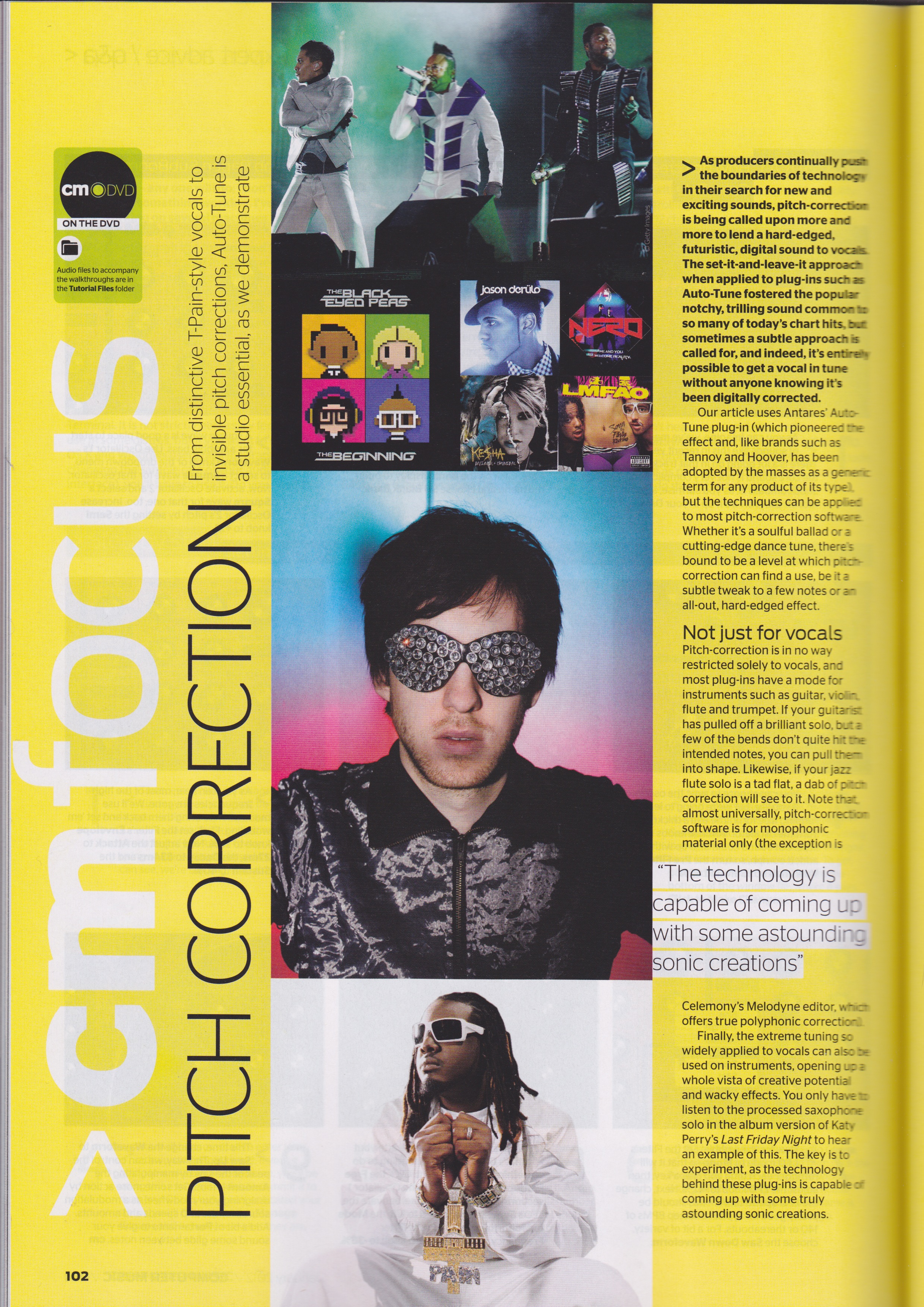
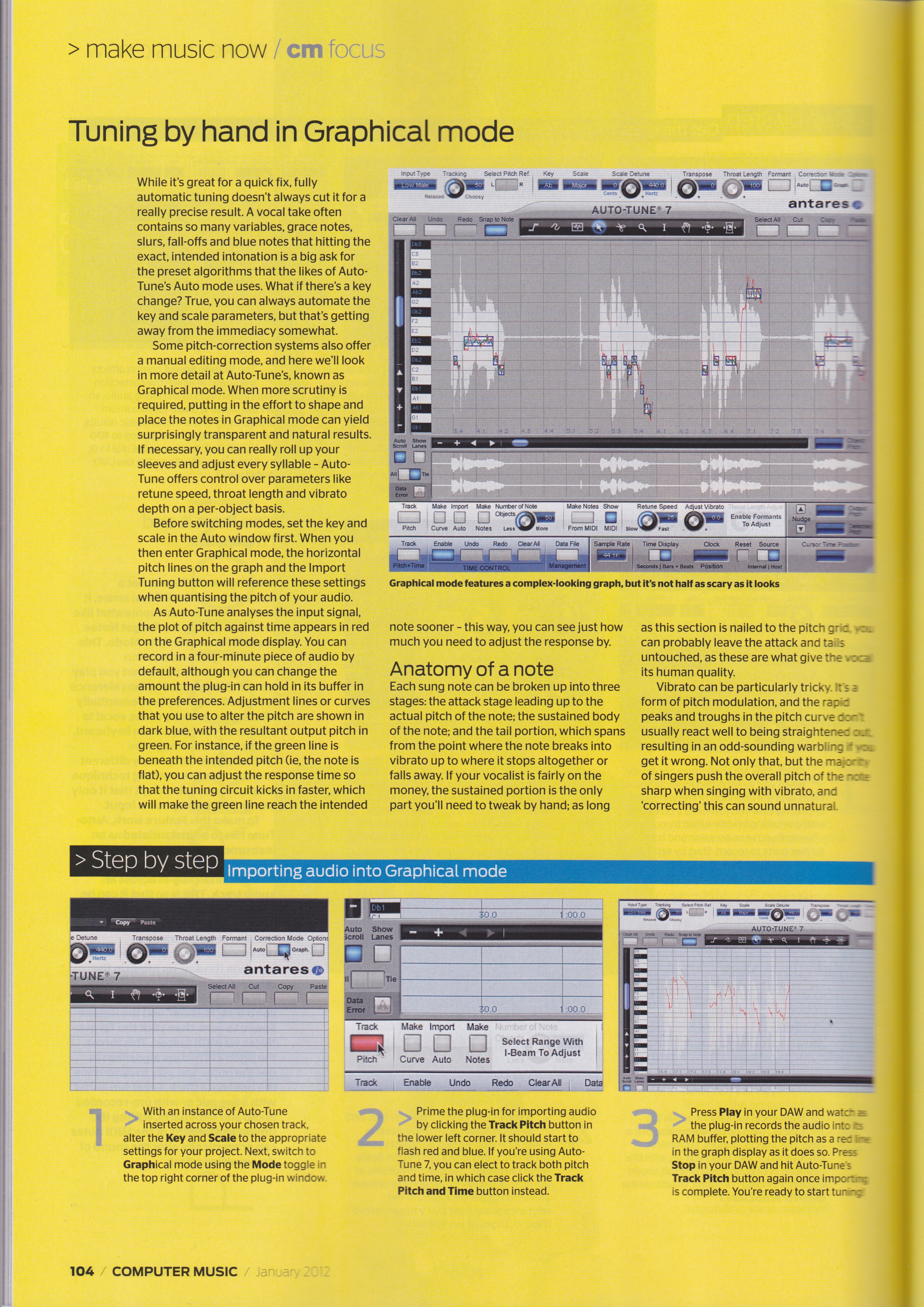
Fancy a few tips on how to use Auto-Tune? You could do a lot worse than pick up this month’s copy of Computer Music magazine, as it contains my 5-page tutorial feature on how to get the best out of Antares’ all-pervading pitch-correction plug-in. Comprehensive step-by-step guides show you how to use Auto mode for both robotic effects and natural-sounding tuning correction, how to import audio into Graphical mode, how to tune by hand with the Curve tool, how to adjust pitch with the Note tool, and how to deal with vibrato. Also shown is how to get the signature T-Pain / Kanye West sound using the budget EFX2 plug-in.