Computer Music 183 Out Now – Sample Your Surroundings, Write Memorable Melodies (With Video)

Computer Music 183 Out Now – Sample Your Surroundings, Write Memorable Melodies (With Video)

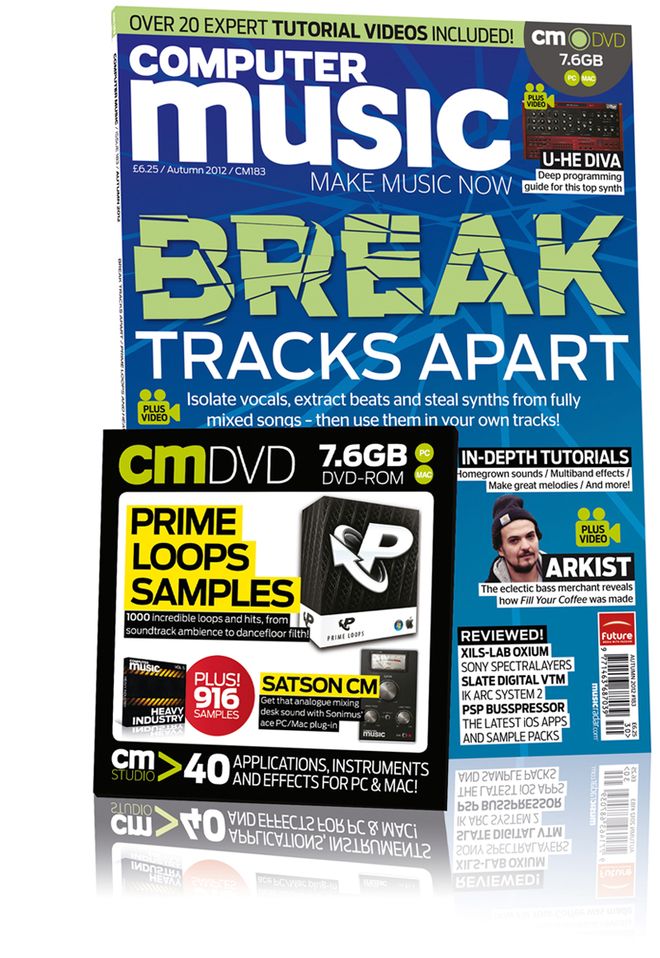
Issue 183 of Computer Music magazine hit the shelves this week, and nestling between its covers you’ll find not one, but two features from me this month.
On page 55 you’ll find a five-page guide to sampling the sort of everyday objects that you find lying around the house, to convert into unconventional musical instruments. With affordable, powerful audio workstations available to everyone these days, it’s never been easier to create your own sounds from scratch, and this guide shows you some easy ways to do it using a microphone, Logic and some of the amazing free plug-ins that are out there. So, if you want to record some coffee-tin percussion, make a one-octave wineglassophone or transform a grill-pan rack into a playable synth patch, it’s well worth a look. There’s also a page of tips to inspire you to create your own sounds from whatever else you can find to hand, from matchbox shakers to laundry-tub kick drums and more.
Following straight on from this, on page 60 you’ll find my feature on how to get things moving if you get stuck writing a melody. Kind of a sequel to the chord progression feature in last month’s issue, this tutorial illustrates a few reliable, theory-based techniques for taking melody lines in a new direction should you find yourself not knowing where to go next. Backed up with audio examples and another set of video tutorials produced and narrated by me, all of which can be found on the cover-mounted DVD, this four-page guide should hopefully supply you with some inspiring tricks that you can rely on time and time again.
Elsewhere in the issue, there’s the usual excellent mix of news, reviews and interviews, along with a big feature on unmixing and another massive batch of free samples and a free mix bus plug-in (Satson CM) on the DVD. Congratulations to the CM team on another great issue, which can be picked up from all good newsagents or downloaded as a digital version via Newsstand for iOS or Zinio for Mac and PC.

Strike a Chord with Computer Music 182 – Video Now Included!

Strike a Chord with Computer Music 182 – Video Now Included!

Hitting the ground running today after a few days break from all things digital, what’s been going on in my absence? Well, first issue of note – literally – is number 182 of Computer Music magazine, which hit the shelves on the 14th August.

Nestling within its feature-packed pages is a four-page guide from me about how to get things moving again if you get stuck in the middle of writing a chord progression. Highlighting some simple, yet tried-and-tested manoeuvres for moving your sequences forward, this issue also marks a personal milestone for me, in that it contains not just the printed walkthrough steps, but also video versions of each tutorial included on the cover-mounted DVD.

Produced and narrated by yours truly, this is my first foray into video tutorials, so if you want to check them out, nip down to Smiths today and pick up a copy of the print edition, or you can download the digital Zinio or Newsstand versions for the Mac and iPad, as the DVD content is now included with the digital versions too!

Computer Music 180 Out Today

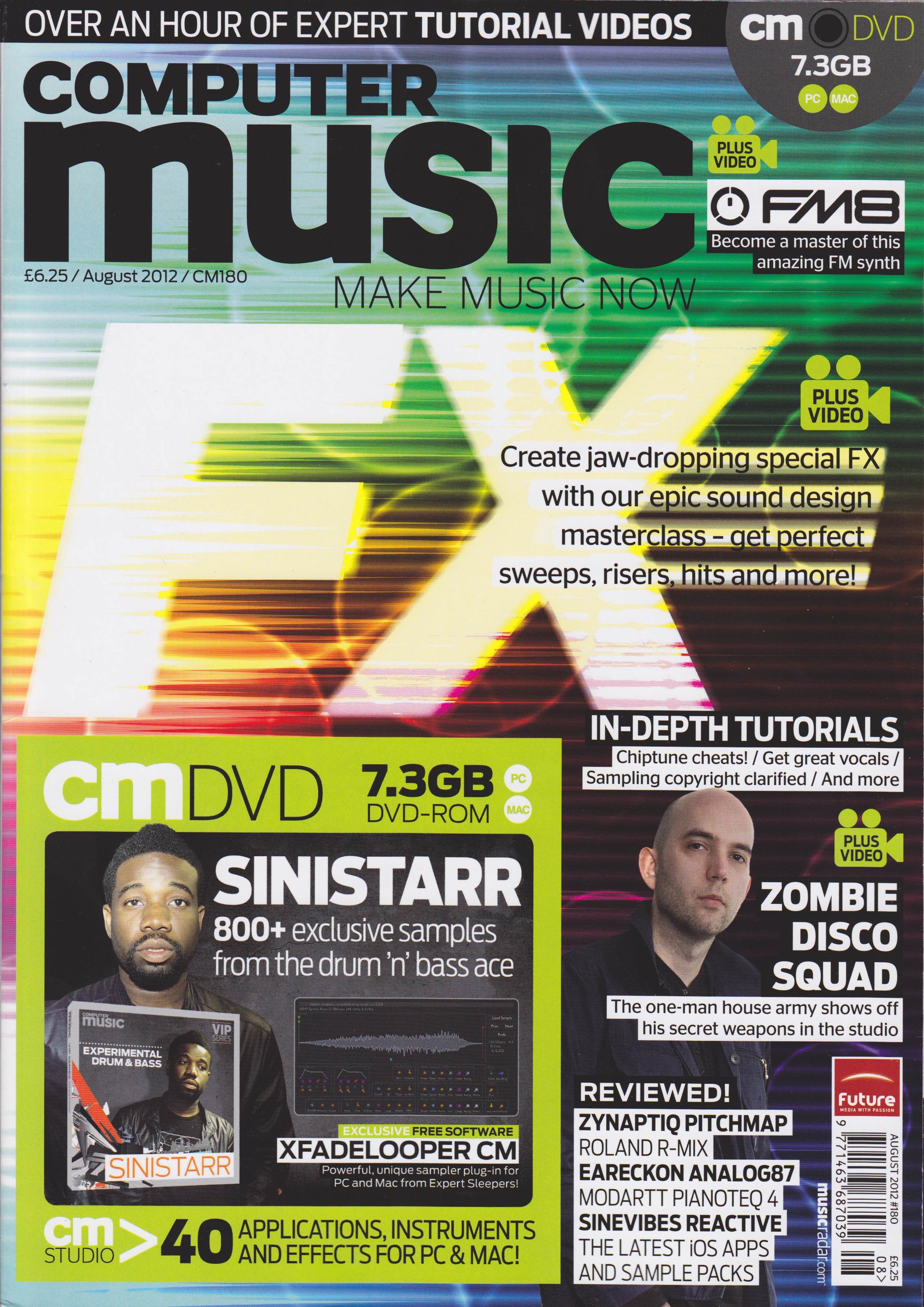
Record Great Vocals is the title of my 5-page contribution to the August 2012 issue of Computer Music magazine that hits the shelves today. A guide to getting a terrific-sounding vocal, from choosing and setting up the mic through to editing the final result, this feature is packed with handy tips and step-by-step guides to getting a great, professional-sounding vocal. Not only that, but the pictures all look very nice too!
Lots of other good stuff from the team this month, including a special FX masterclass, a focus on how to use Native Instruments’ FM8 soft synth, and loads of reviews. Check it out at all good newsagents today!

Massive ‘GarageBand Made Easy’ Feature in iCreate 107

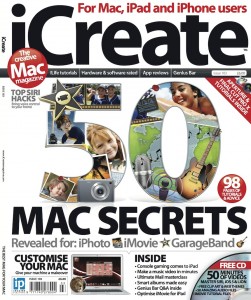
iCreate issue 107 hits the shelves in the next day or so, and I’m proud to reveal that it contains my biggest feature yet – a huge nineteen-page introduction to the world of GarageBand, explaining everything from how the interface works, what templates to select, how to write your first song, how to record your own performances, how to compose a song using just Apple Loops and how to use the software to score an iMovie project. This is the biggest feature I’ve done in 5 years of writing, and it’s a belter! If you’ve ever had any inclination to get started with GarageBand, everything you need is right here, starting from page 24.
Elsewhere in the issue, there’s more great stuff about how to improve your Mac using upgrades and system add-ons, and more tutorials on iLife for iOS, Aperture and Final Cut Pro X.

Another MacUser GarageBand Tutorial Published

It’s a nice problem to have, I guess, but I sometimes lose track of which article is coming out when in what magazine. The current issue of MacUser is a case in point, as it features a four-page GarageBand tutorial, starting on page 86, in which I demonstrate how to use the Musical Typing feature as a rudimentary sampler, create your own Apple Loops with the resulting instruments and thereby personalise and expand your Apple Loop library with your own custom sounds. So if you want to learn how this is done, get hold of a copy sharpish, as my lateness in getting this post up means that it’ll only be in the shops for another week or so!

iCreate Issue 106 Breaks Cover

Another new issue of iCreate magazine hit the stores last week. Issue 106 contains a total of 6 pages from me, all in the shape of GarageBand and OS X tutorials.
Kicking off on page 48, I show you how to use GarageBand’s Groove Match feature to tighten up the timing of wayward audio and MIDI tracks. This is a really useful feature that can improve your project’s groove with a click of your mouse.
Elsewhere in the issue, page 74 features a tutorial for OS X Mail about how to tighten up your junk mail filter to prevent your inbox filling up with spam, while over on page 76 I demonstrate how to set up and use Mail’s Smart Mailbox feature, a really simple yet effective way of keeping your messages organised and easy to find.
Lots of other great stuff from the iCreate team in this issue too, including a definitive 16-page guide to the new iPad, an exploration of the new features found in Mountain Lion, and tutorials for iPhoto, iMovie and GarageBand for iOS.

Computer Music Issue 177 – 7 pages this month!

The latest issue of Computer Music magazine, issue 177, hit the shelves earlier this week, and in this one I’ve managed a personal best total of 7 pages. Two of them are the aforementioned review of Steinberg’s awesome Cubase 6.5 DAW package. As a Cubase user from the old school, I had a great time getting re-acquainted with this latest version. It was a bit like catching up with an old friend after 10 years’ not speaking to find that they’d taken up bodybuilding, had three facelifts and a hair transplant. To find out how we got on, check out the review on page 84.

See ya later, arpeggiator
My main contribution to this issue is the Arp Attack! feature starting on page 42. Five pages of step-by-step tutorials on how to construct and use arpeggios, from creating them from scratch by hand in a piano roll editor to generating them with the purpose-built arpeggiators found in most DAWs. You’ll also find some audio examples on the cover DVD.
To see more, nip down to your newsagent and pick up a copy today!

iCreate Issue 105 Out Today!

It hardly seems like 4 weeks has gone by, yet here’s another issue of iCreate stuffed full of lovely stuff, and four pages of it is by me! I have two GarageBand tutorials this month, the first on combatting hiss in your recordings (hot on the heels of my Computer Music guide to audio restoration last month!). The second tutorial demonstrates an interesting and simple technique for breathing new life into your Apple Loop library, by reassigning different software instruments to your existing MIDI loops. All this, together with an in-depth guide to iCloud, introduction to OS X Mountain Lion, a look at iBooks Author and a host of other goodies make for another great issue from the team. Go get it!

How to Make a Videosong with iLife ’11 – MacUser Tutorial

Videosongs are home-made music videos where you record both audio and video of your performance, then edit it together so that what you hear is also what you see. They’re a fantastic and fun way to show off your musical talents to the world at large, and as promised in an earlier post, the 6-page videosong tutorial I was working on in January appears in this fortnight’s issue of MacUser magazine. In a massive 28-step guide on how to record, edit and share a complete multitrack audio and split-screen video performance, I take you step by step through the process from start to finish, using only a camcorder or iPhone 4, together with the GarageBand and iMovie software that comes free with every new Mac. So if you fancy getting stuck into a rewarding and entertaining creative project, why not nip down to Smiths this afternoon and pick up a copy of the mag?

Guide to Audio Restoration – Computer Music Issue 175

Ever wanted to get rid of an annoying hum or tape hiss from an audio recording? My 5-page feature tutorial “Taking the Hiss” on page 48 of this month’s issue of Computer Music magazine turns the spotlight on what’s possible with the latest audio restoration software. Logic, ProTools, iZotope’s amazing RX2 and Adobe Audition are all featured, along with an amazing piece of software called Photosounder that literally turns sound into images so that you can edit out unwanted noises using image editing software like Photoshop, then turn the doctored image back into sound again, without the noise… incredible stuff! With audio examples for all the step-by-step guides included on the cover DVD, if you’ve ever been troubled by crackles, pops, squeaky chairs, coughs or burps (sounds like the average morning around the breakfast table in our house), this is your comprehensive guide to noise removal using noise profiling, spectral editing, even a pencil tool. As ever, there’s lots of other great stuff in the mag too, so check out Computer Music 175 in all good newsagents – now!

iCreate Issue 104!

Another issue of iCreate rolls off the presses and into your local news emporia this week, and I have a total of eight pages of tutorial stuff in this month’s issue, evenly split between OS X and GarageBand topics. In keeping with the issue’s main theme of WiFi networking, I show you how to share both a wired internet connection and another computer’s optical drive across a wireless network. Elsewhere, on a musical tip, I focus on using free AudioUnit plug-ins from third-party manufacturers in GarageBand, rounding off with a couple of pages covering how to master your tracks once you’ve finished recording and mixing them.

iCreate Issue 103 Out Now!

Good to see Imagine Publishing getting the year off to a cracking start with another feature-packed issue of iCreate magazine hitting the shelves this week. All the hours I put in before Christmas have resulted in a total of eight pages from me in this month’s issue. On page 40 you’ll find a 4-page mega-tutorial on how to use GarageBand to score your iMovie projects, while elsewhere in the issue I demonstrate how to customise the toolbar in Mac OS X’s Mail app and how to create your own Dashboard widgets using Safari webclips. All useful stuff, especially when combined with the brilliant cover feature detailing 50 secret tips for iLife. If you want to see more, get down to your newsagent or subscribe to the digital version via Newsstand.

Auto-Tune Guide Featured in Computer Music 173

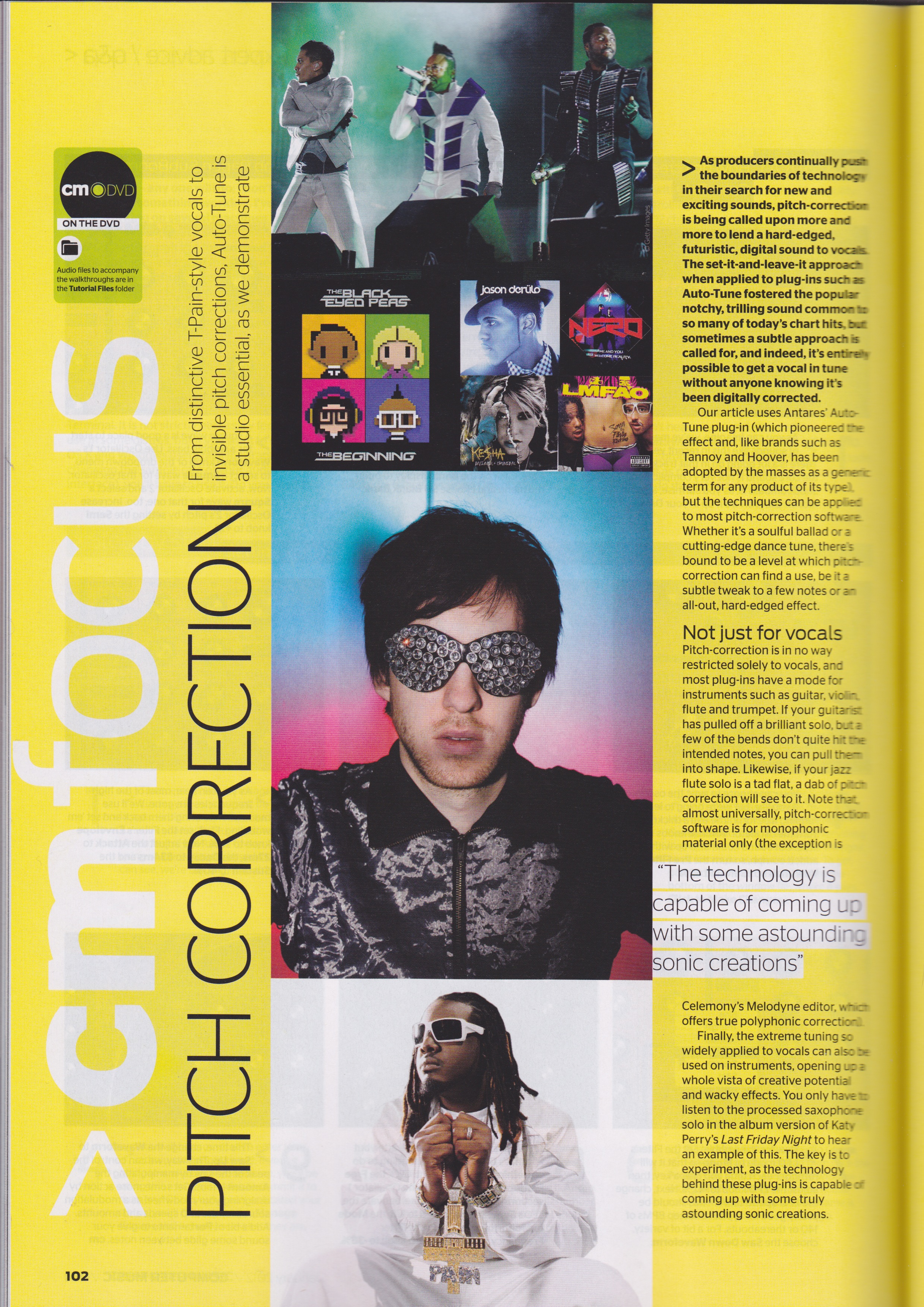
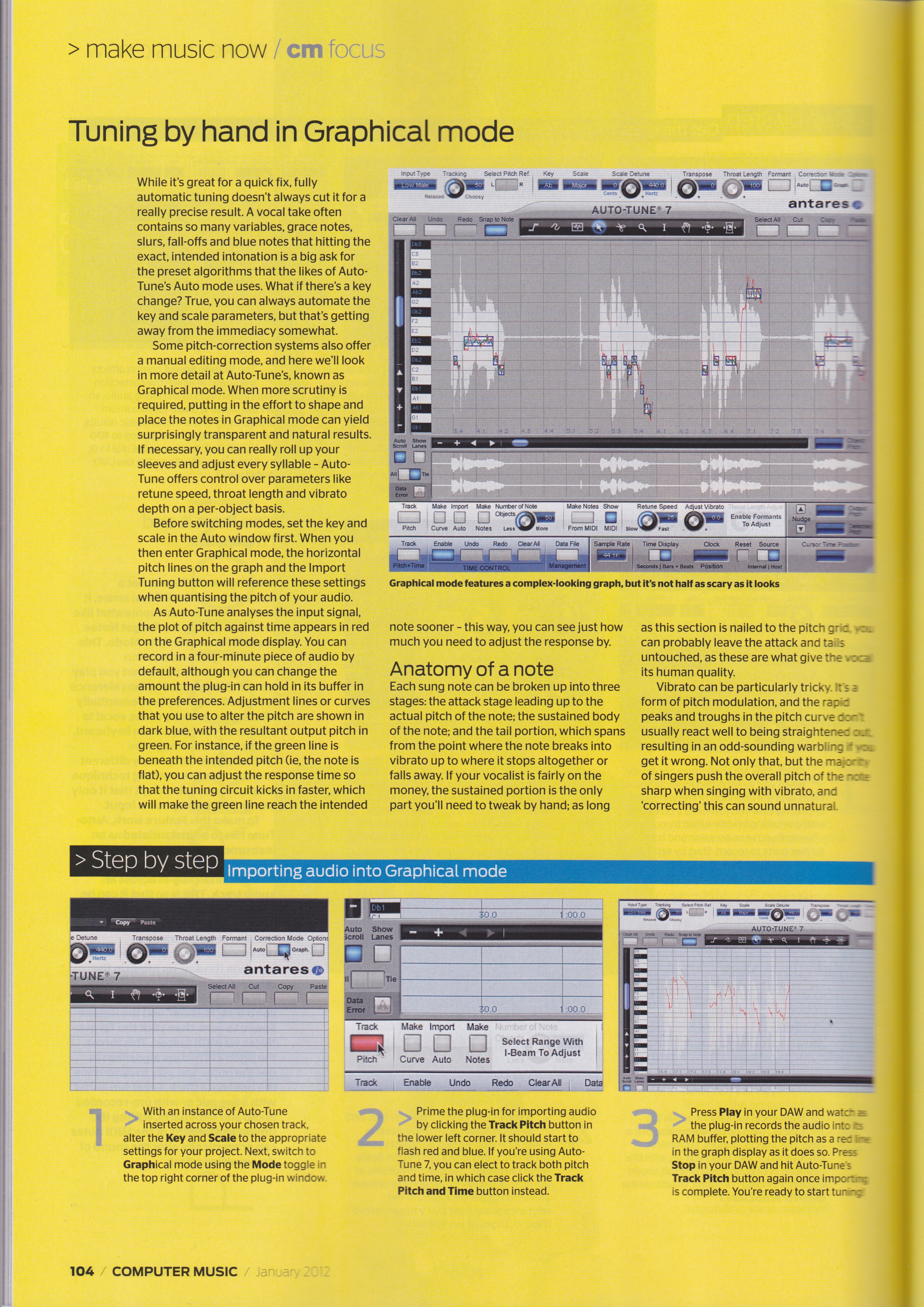
Fancy a few tips on how to use Auto-Tune? You could do a lot worse than pick up this month’s copy of Computer Music magazine, as it contains my 5-page tutorial feature on how to get the best out of Antares’ all-pervading pitch-correction plug-in. Comprehensive step-by-step guides show you how to use Auto mode for both robotic effects and natural-sounding tuning correction, how to import audio into Graphical mode, how to tune by hand with the Curve tool, how to adjust pitch with the Note tool, and how to deal with vibrato. Also shown is how to get the signature T-Pain / Kanye West sound using the budget EFX2 plug-in.

Happy 100th issue to iCreate Magazine!

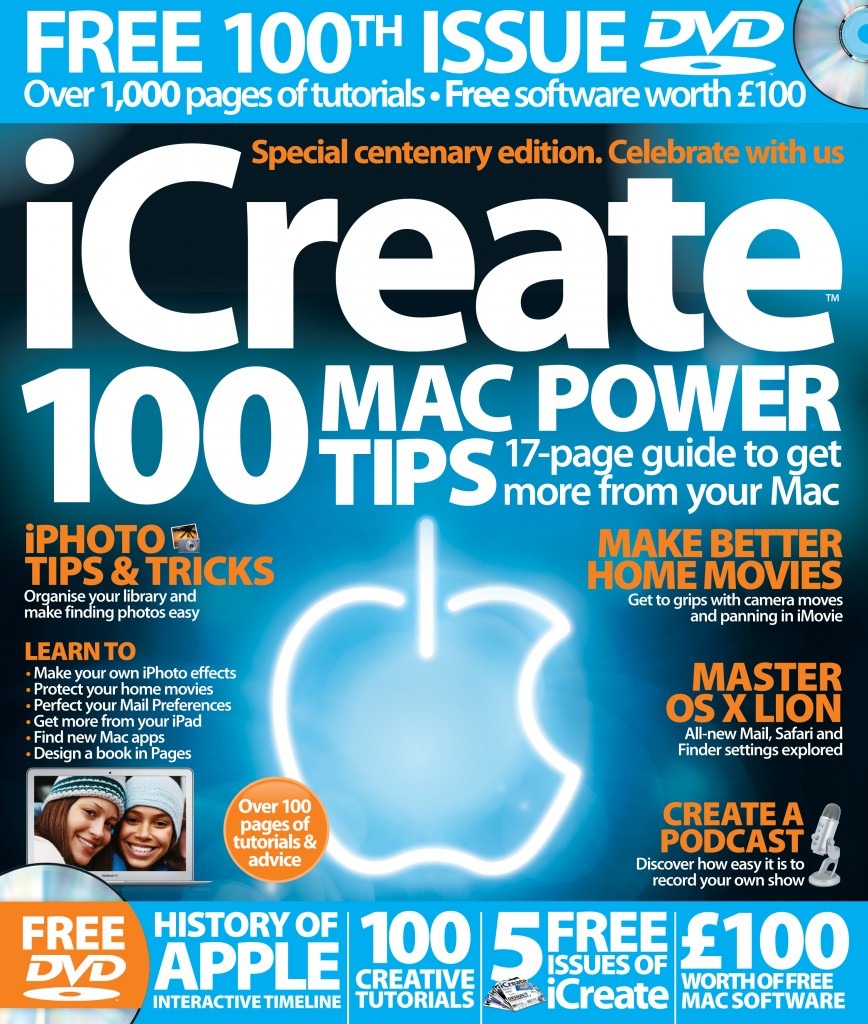
It’s finally here, the day we thought would never arrive – iCreate’s 100th issue! I’m proud to have been writing for every issue of this magazine now since issue 41 in 2007, and am really happy to see it reach this milestone. Contributions from me this month include a feature celebrating the last ten years of the iPod, and a tutorial explaining how to work with GarageBand’s Notation View. As always, you can find the mag at WHSmiths and most large supermarkets. Here’s hoping the next 100 issues will be as good as this one 🙂

iCreate 97 is pleased to make your acquaintance

Issue 97 of iCreate magazine hits the shelves today, and this time I made the front cover! I have a feature in this issue on how to enhance and go beyond iLife, and also two GarageBand tutorials: one on mastering keyboard shortcuts and one highlighting a little-known feature that allows you to build your own basic sampler instruments. Only three more issues til we hit the magic 100!